Synthezy
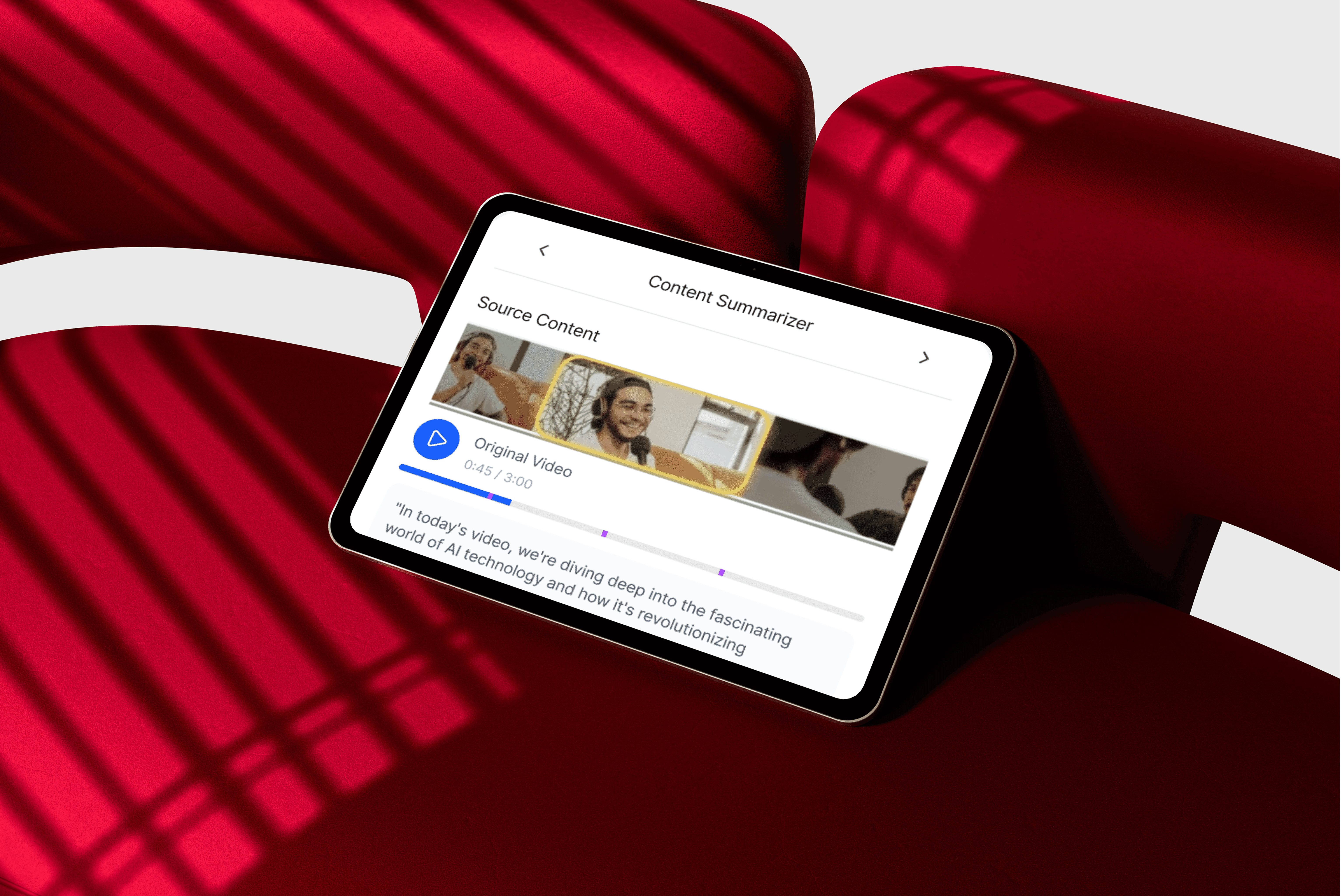
Create Smarter and Faster with adaptive AI, not rigid automation
An AI-powered co-creating platform that helps users summarize, clip, and reformat videos — giving creators speed, structure, and style across platforms, to transforms long-form content into short-form social clips.

I led the product design of Synthezy — an AI-driven generative editing tool that helps creators turn long-form content into compelling short videos for platforms like TikTok, Reels, and YouTube Shorts.
Designed for speed and flexibility, Synthezy supports creators with adaptive clipping templates, smart captioning, and auto-generated thumbnails—allowing for fast output without losing creative agency.
north_east
Product
Synthezy
Skills
Product design
AI UX/UI strategy
Interactive prototyping
User research & testing
My role
Design lead, Product designer (team of 4)
Timeline
May 2025 - July 2025
Collaborators
Deepak Mallya, Esther Kim, Ethan Lee, Ryan Tran

Problem
Content creators today struggle to repurpose long-form video content into short-form clips efficiently. While short-form content dominates engagement, creators lack scalable tools to extract meaningful, platform-optimized moments from podcasts, interviews, or webinars. Existing manual workflows are time-consuming and inconsistent.
Recognizing this, we saw an opportunity to streamline and automate the process—helping creators maximize value from long-form content without spending hours editing.
Market Research
We analyzed trends across major content platforms and identified a growing gap between content formats and tools available to creators.
Key Findings from Market Landscape:
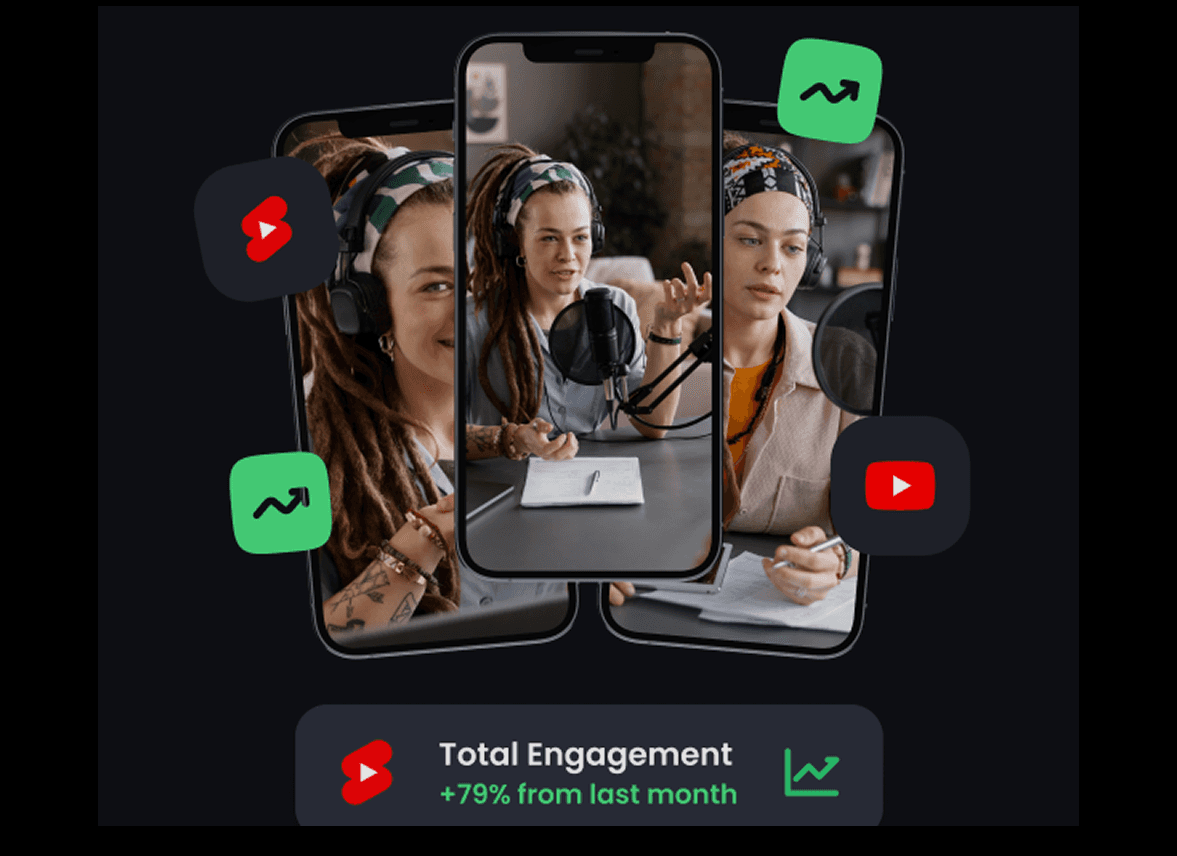
TikTok is now the fastest-growing social media app, 91% of Instagram users watch Reels weekly, and YouTube Shorts significantly boost purchase intent.
Short-form content is booming.
Consumer behavior favors brevity.
Today’s audiences prefer fast, engaging, bite-sized formats—short-form video is the dominant medium for discovery, virality, and awareness
Long-form content is underutilized.
Despite the richness of long-form video, creators lack scalable tools to turn 30–90 min recordings into digestible short clips.
High-impact moments often go unnoticed.
Small creators especially struggle with discoverability, storytelling, and conversion due to limited automation and resource constraints.
User Research
We interviewed 8 creators and reviewed existing workflows across tools like Descript, CapCut, and Adobe Premiere.
Common painpoints
Manual clipping takes too long
50% of creators said it takes too long to trim and repurpose long-form clips without automated tools.
Repetitive design workflows
<50% reported needing to manually repeat tasks like captioning, thumbnail selection, and template formatting—slowing content turnaround.
Hard to spot highlight-worthy moments
Creators struggle to identify key moments in long-form content without contextual or visual cues.
Challenges
AI segmentation accuracy
50% experienced off-timed pop-ups or scene cuts when using AI tools.
Caption tone & design consistency
<50% lacked tools to maintain cohesive voice or branding across edits.
Thumbnail performance prediction
Hard to predict what will perform well and stay on-brand for each platform.
Maintaining human creative control
<50% find it hard to preserve their own unique editing style with current tools.

You clip. We adapt.
Together, you stand out.
Solution
Synthezy is a generative video clipping tool that transforms long-form content into engaging, short-form social clips—automatically.
It uses AI to summarize, segment, and stylize content for platforms like TikTok, Reels, and Shorts. Users get auto-generated thumbnails, captioned reels, and template-based visual styling, easy to export to multi short-from platforms.
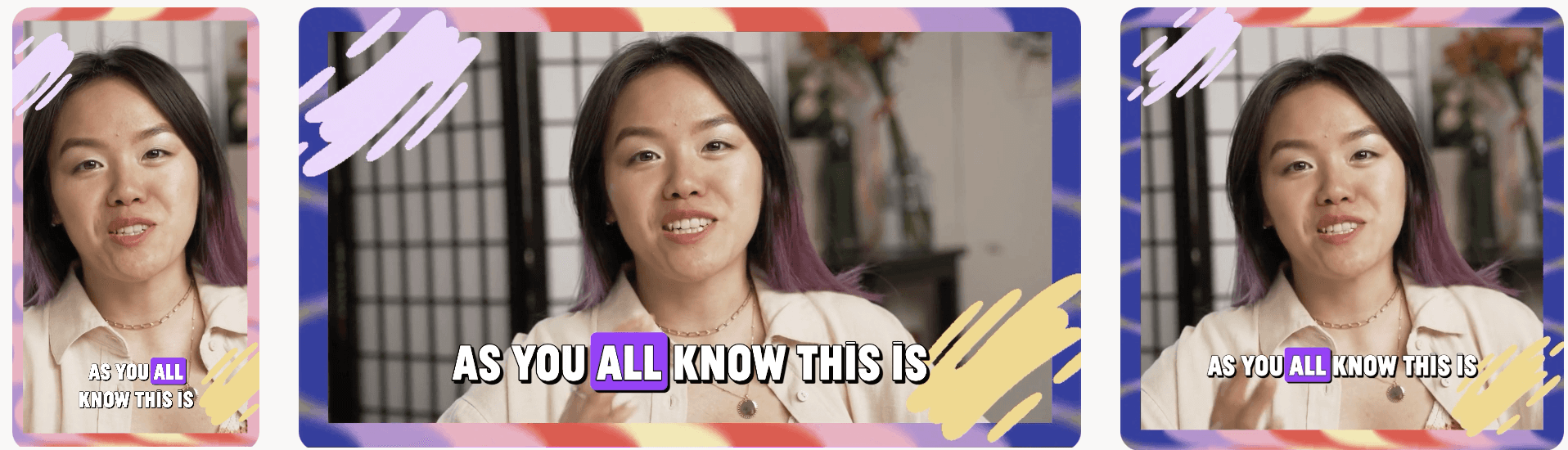
Thumbnail generator to drive click-throughs
Stylized captions for visual engagement
Auto templates tailored to platform trends
AI summarizer to highlight clip-worthy segments
When activated, Synthezy automates:
Our principle
We focused on giving creators flexible, editable outputs instead of rigid templates. Everything is adjustable—from clip length and layout to font, caption tone, or export format. Synthezy enhances creativity, not replaces it.
We designed for co-creative tool with user, understanding and reflecting users' adaptiveness and autonomy control, not just simple full automation.
Edit or approve, synced with AI feedback loop, and export to multi platform
Preview clips with captions, thumbnails, templates
AI summarizes and segments by topic
Upload a video or paste a YouTube link
How it works:
Feature 01.
AI Summarizer & Feedback Loop
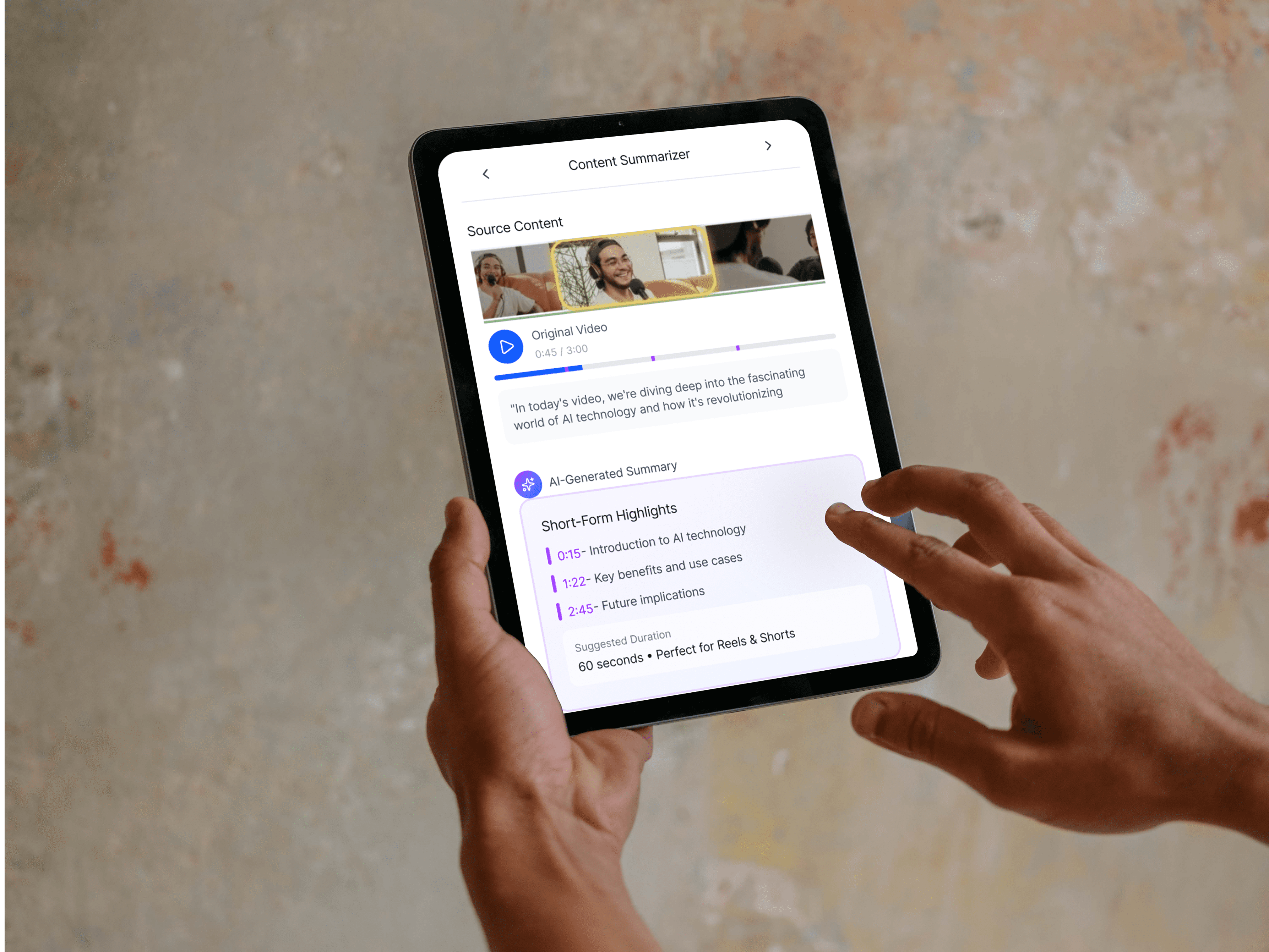
To help creators navigate through long-form video content efficiently, we introduced an AI-driven summarization module.
Users receive a preview of time-stamped highlight segments with clickable summaries and transcript views. A built-in feedback loop allows them to approve or refine AI-generated outputs, helping the system learn and improve recommendations over time.

Source Content

Original Video
0:45 / 3:00
"In today's video, we're diving deep into the fascinating world of AI technology and how it's revolutionizing content creation..."
AI-Generated Summary
Short-Form Highlights
0:15
- Introduction to AI technology
1:22
- Key benefits and use cases
2:45
- Future implications
Suggested Duration
60 seconds • Perfect for Reels & Shorts
Learning from feedback
Approve Summary
Edit Summary
💡
AI Learning Mode
Your feedback helps our AI understand what makes great short-form content. Each approval trains the model to create better summaries.
Content Summarizer
Approve or Edit Options:
User decides to approve or refine summary
AI Learning Feedback Tag:
Adaptive loop to improve future summaries based on approval or rejections
AI Summarizer:
Key highlights summary block broken down with clickable timestamps
Source video timeline + Transcript:
Time-stamped with transcript preview
Feature 02.
Flexible Clipping Templates
Instead of editing from scratch, users toggle through AI-generated clipping presets—Best Moments, Laughter, Viral Potential, etc.—that are tailored to social platform trends.
After selection, the system generates previews overlaid with segment indicators, allowing fast visual verification.
Smart Processing
Enable multiple templates to create diverse clips. AI will optimize each clip based on the selected criteria.
Best Moments
AI identifies peak engagement points
Laughter & Joy
Captures funny and entertaining segments
NSFW-Safe
Auto-filters inappropriate content
Key Highlights
Main takeaways and important points
Viral Potential
Segments likely to perform well
Quotable Moments
Memorable quotes and statements
Fast-Paced Action
High-energy and dynamic scenes
Selected templates:3
Est. clips: 6-9
Generate Clips
Clipping Templates
3 Active
Select AI templates to auto-generate clips
Smart Processing
Enable multiple templates to create diverse clips. AI will optimize each clip based on the selected criteria.
Key Highlights
Main takeaways and important points
Laughter & Joy
Captures funny and entertaining segments
Best Moments
AI identifies peak engagement points
Fast-Paced Action
High-energy and dynamic scenes
Selected templates:3
Est. clips: 6-9
Generate Clips
Clipping Templates
3 Active
Select AI templates to auto-generate clips
After Toggle
Select Clipping Templates:
List of toggle-able AI-generated template cards,
based on optimized options as
• Best Moments
• Laughter & Joy
• NSFW-Safe
• Highlights
• Viral Potential
Preview Options:
Users can preview their generated clips overlayed with selected tempate preset options
Feature 03.
Auto-Stylized Captions
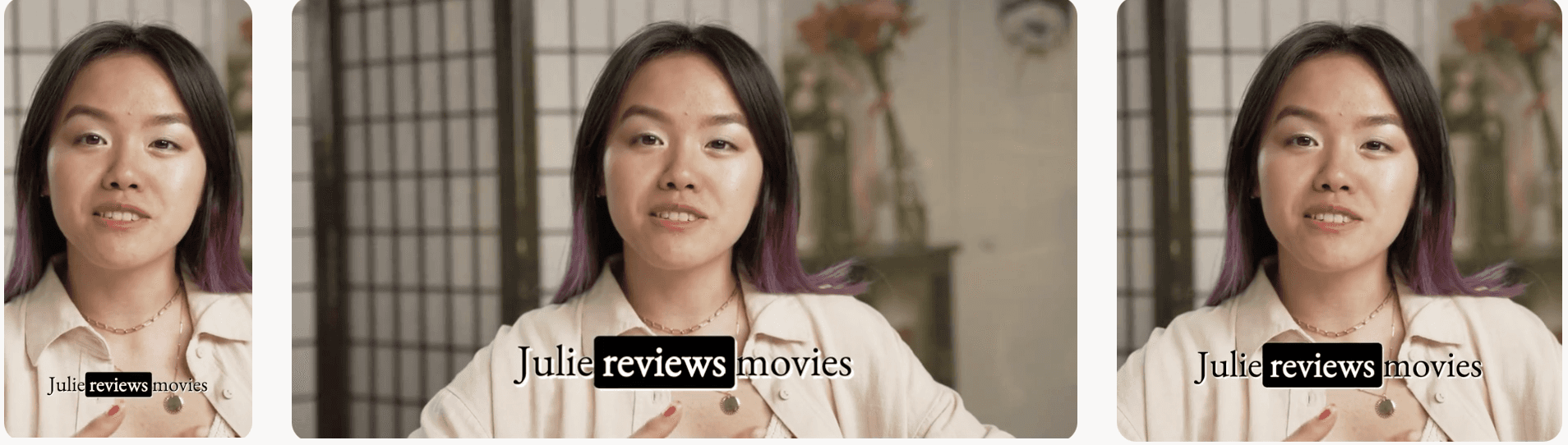
Captions aren’t just functional—they’re part of the story.
This feature auto-generates real-time captions with visual customization options like font, color, motion, and trendy overlays. A style panel and pro tips guide users in optimizing content for accessibility and algorithmic performance
Preview
Style
Live Preview
9:16 Vertical

AI Enhanced
Create
amazing
content
with
AI
LIVE
Caption Text
AI Suggest
Create amazing content with AI...
30/100
💡 Keep it short and impactful for better engagement (5-10 words recommended)
Auto Visuals
Captions & Thumbnails
AI Processing Active
Preview
Style
Caption Font Style
Aa
Inter
Aa
Serif
Aa
Mono
Aa
Sans
Caption Size
22px

Small
Medium
Large
Caption Color
AI Visual Layer
Add smart overlays, effects, and trending visual elements
💡
Pro Tips
Use high contrast colors for better readability
Enable AI Visual Layer for trending effects
Font size 20-26px works best for mobile
Auto Visuals
Captions & Thumbnails
AI Processing Active
AI Visual Layer Toggle:
Enables trending effects, shadow overlays, and motion accents.
AI Enhanced Captions:
Real-time, auto-generated captions dynamically overlaid on the video content.
Live Preview Panel:
Green active tag shows AI is currently analyzing visuals for enhancement.
Style Panel:
Users can choose from
pre-set font styles, color, size for personalization.
Pro Tips Panel:
UX nudges for accessibility,
suggestions for small screens.
Feature 04.
Auto-Generated Thumbnails
The system predicts high-performing frames and generates multiple thumbnail options optimized for click-through. Users can select from variants tailored to platform-specific specs (e.g., TikTok vs. YouTube Shorts).
This solves the design bottleneck of thumbnail creation and reduces decision fatigue with intelligent defaults.
Preview
Style
Live Preview
9:16 Vertical
AI Enhanced
Caption Text
AI Suggest
Create amazing content with AI...
30/100
💡 Keep it short and impactful for better engagement (5-10 words recommended)
Auto Visuals
Captions & Thumbnails
AI Processing Active
AI Thumbnail
Optimized for maximum clicks
Generate Thumbnail
Preview
Style
Live Preview
9:16 Vertical
AI Enhanced
Caption Text
AI Suggest
Create amazing content with AI...
30/100
💡 Keep it short and impactful for better engagement (5-10 words recommended)
Auto Visuals
Captions & Thumbnails
AI Processing Active
AI Thumbnail
Optimized for maximum clicks
Generate Thumbnail

AI Thumbnail 01
Optimized for maximum clicks

AI Thumbnail 02
Optimized for maximum clicks

AI Thumbnail 03
Optimized for maximum clicks
After Click
Thumbnail Preview Panel:
Tap to instantly generate click-optimized thumbnails using AI-predicted frame data.
AI Thumbnail Variants Preview:
Displays multiple smartly generated thumbnails optimized for engagement,
subtly tailored to different channel specs (e.g., TikTok, YouTube Shorts)

