Industry
Adaptive UI/UX
Work
Product Design
Smart AI Apple Note

Apple Notes
Smarter Notes that Think with You.
A contextual note-taking experience that adapts to your intent, turning scattered thoughts into structured, actionable information.

Project Title
Smarter Apple Notes – Contextual AUI Assistant
Skills
Product Design, AUI Design, AI Capability Matchmaking, UX Strategy, Interaction Design, UI Prototyping, Motion
My Role
UX Strategist/ UI, UX Designer / Concept Lead
Timeline
Sept 2025 – Nov 2025
Tools
Figma, Adobe Suite, gen AI tools, LLM models
Collaborators
2 Engineers, 1 HCI designer, 1 Infrastructure designer
Project Brief
We reimagined Apple Notes not just as a note-taking app, but as a contextual, intelligent assistant.
Our concept introduces Adaptive User Interfaces (AUIs) that respond to intent, restructure scattered notes, and sync across Apple’s ecosystem.
This smarter experience helps users think, plan, and recall — not just write.
“What if your notes knew
what you needed,
before you did?”
Real-World Problem
"Messy Notes, Missed Context"
01
SCATTERED THOUGHTS, LOST STRUCTURE
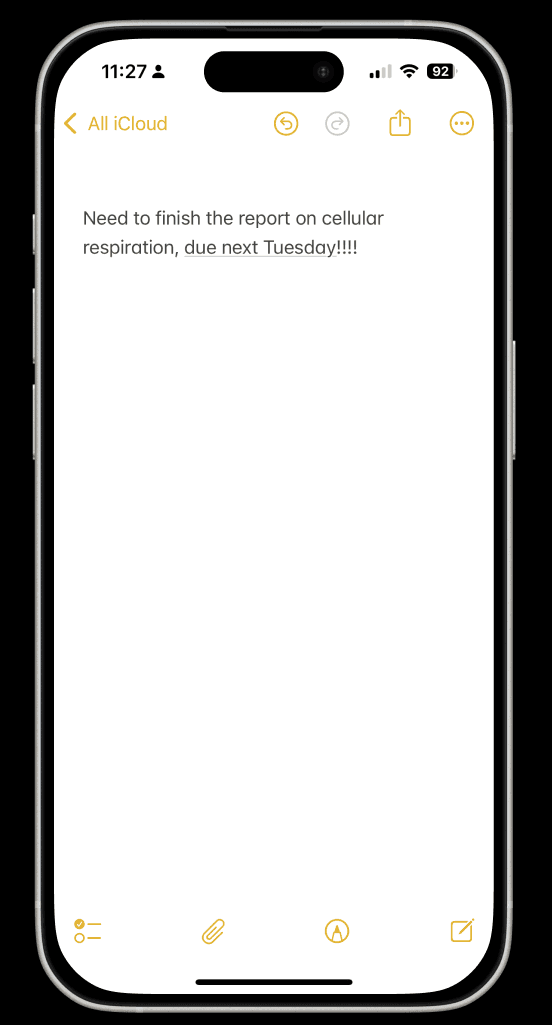
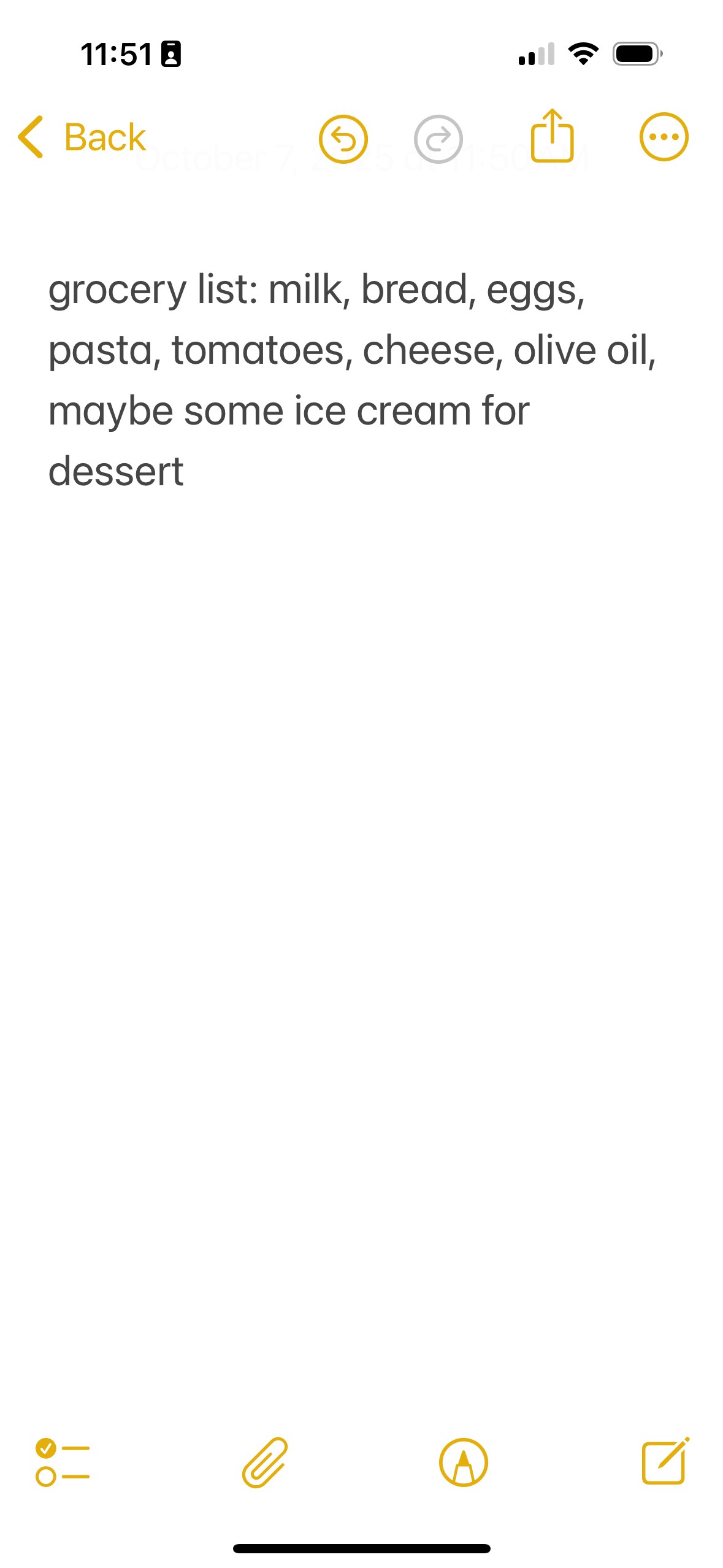
“My notes are full of random words from different parts of my life. Grocery, work, dinner plans...all jumbled.”
02
I WRITE, THEN LOSE TRACK
“I write things down but can never find or hard to remember them again… like what restaurant my friend recommended.”
03
I WISH IT SORTED ITSELF
“I wish Notes could just sort itself out. It’s like a junk drawer.”
KEY PAIN POINTS
TEAM 05
Oct 02
PAIN POINT 01.
Hard to Prioritize
Cumbersome to generate contextual tasks, events, or reminders.
PAIN POINT 02.
Lack of Eco Sync
No built in integration from Apple notes to other apple apps (such as apple maps)
PAIN POINT 03.
Hard to Organize
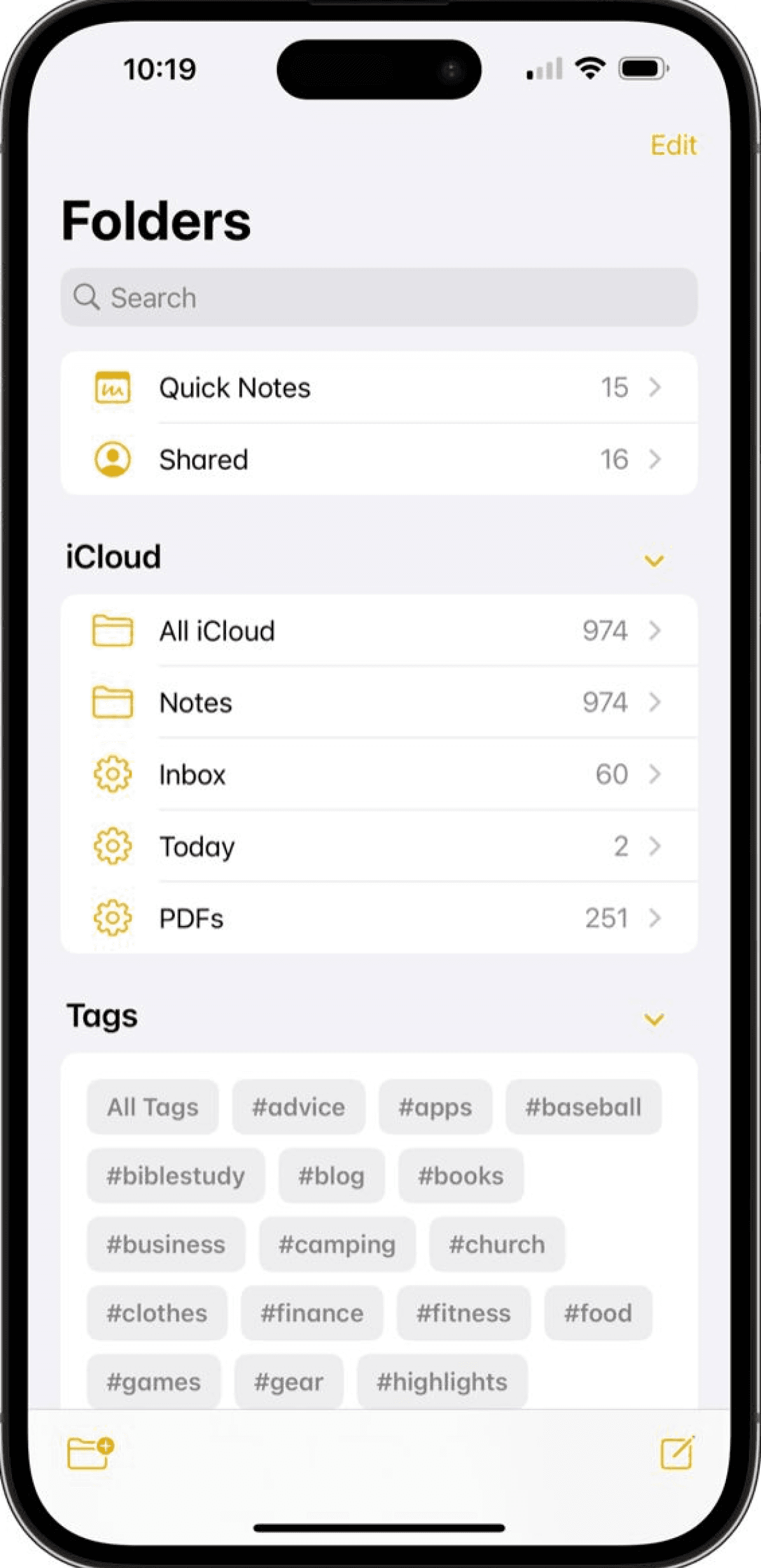
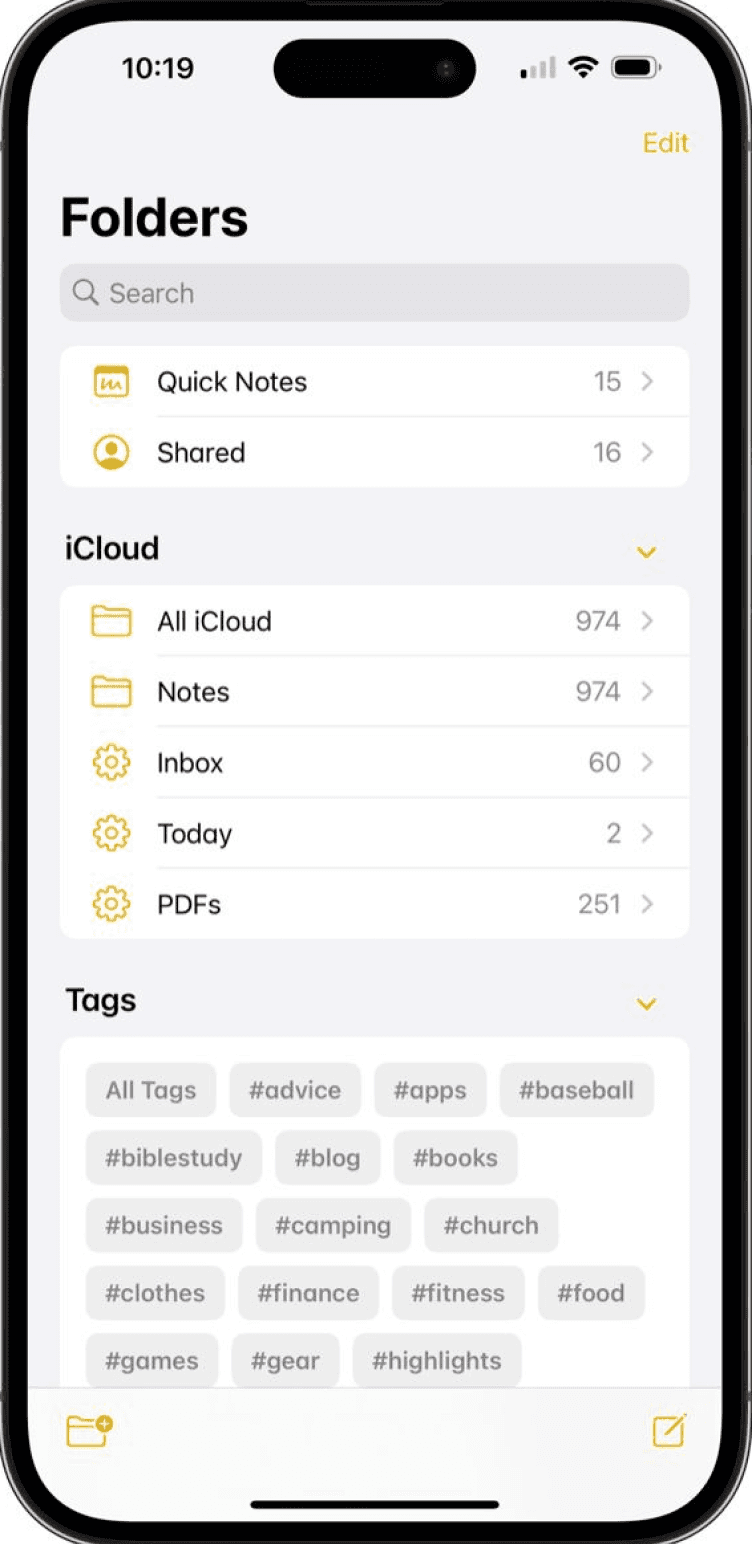
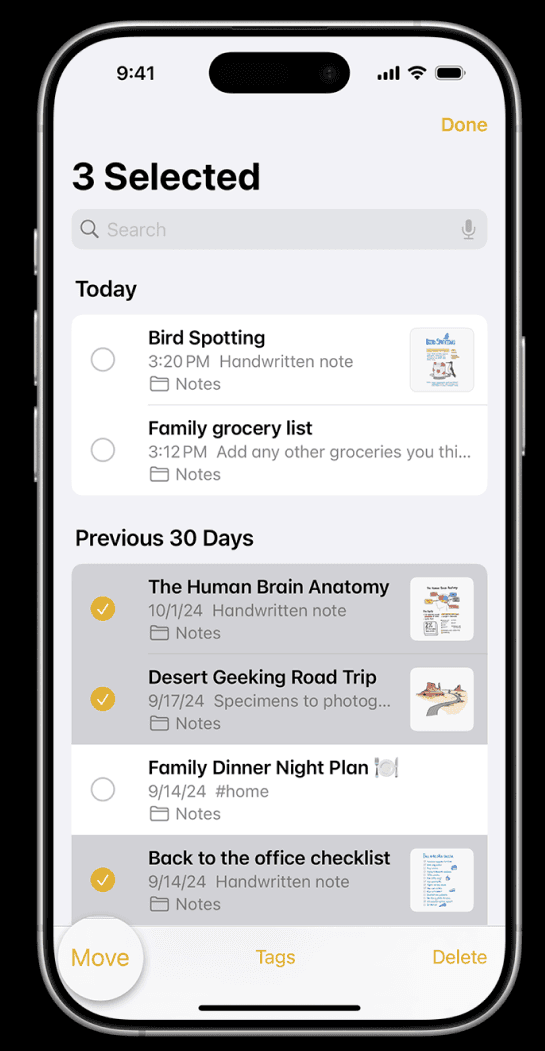
No auto-categorization or AI-driven suggestions to help organize notes.

“Smarter Apple Notes is not just organized,
it’s contextual, to think with you”

Solution
Smart AI Apple Notes
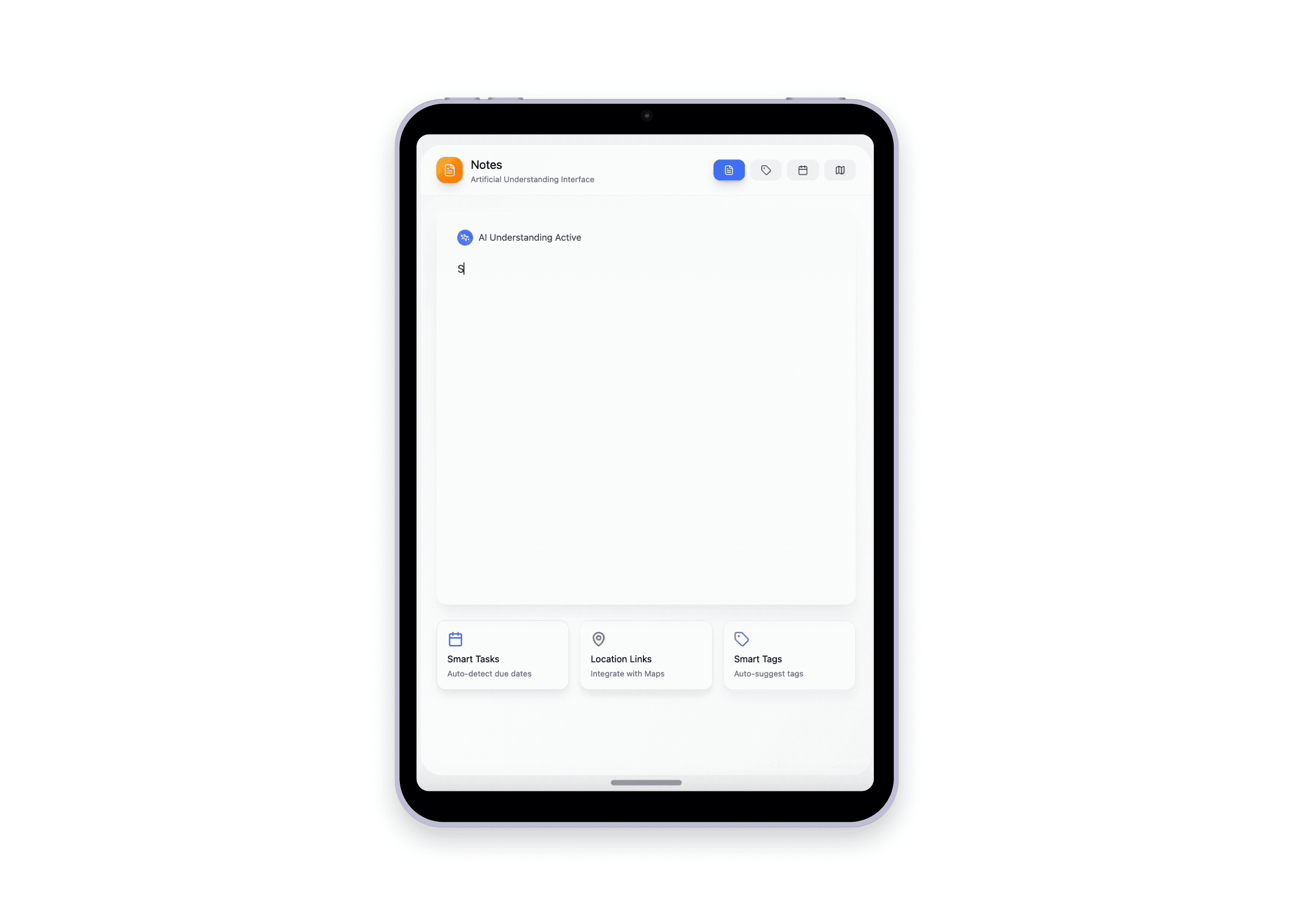
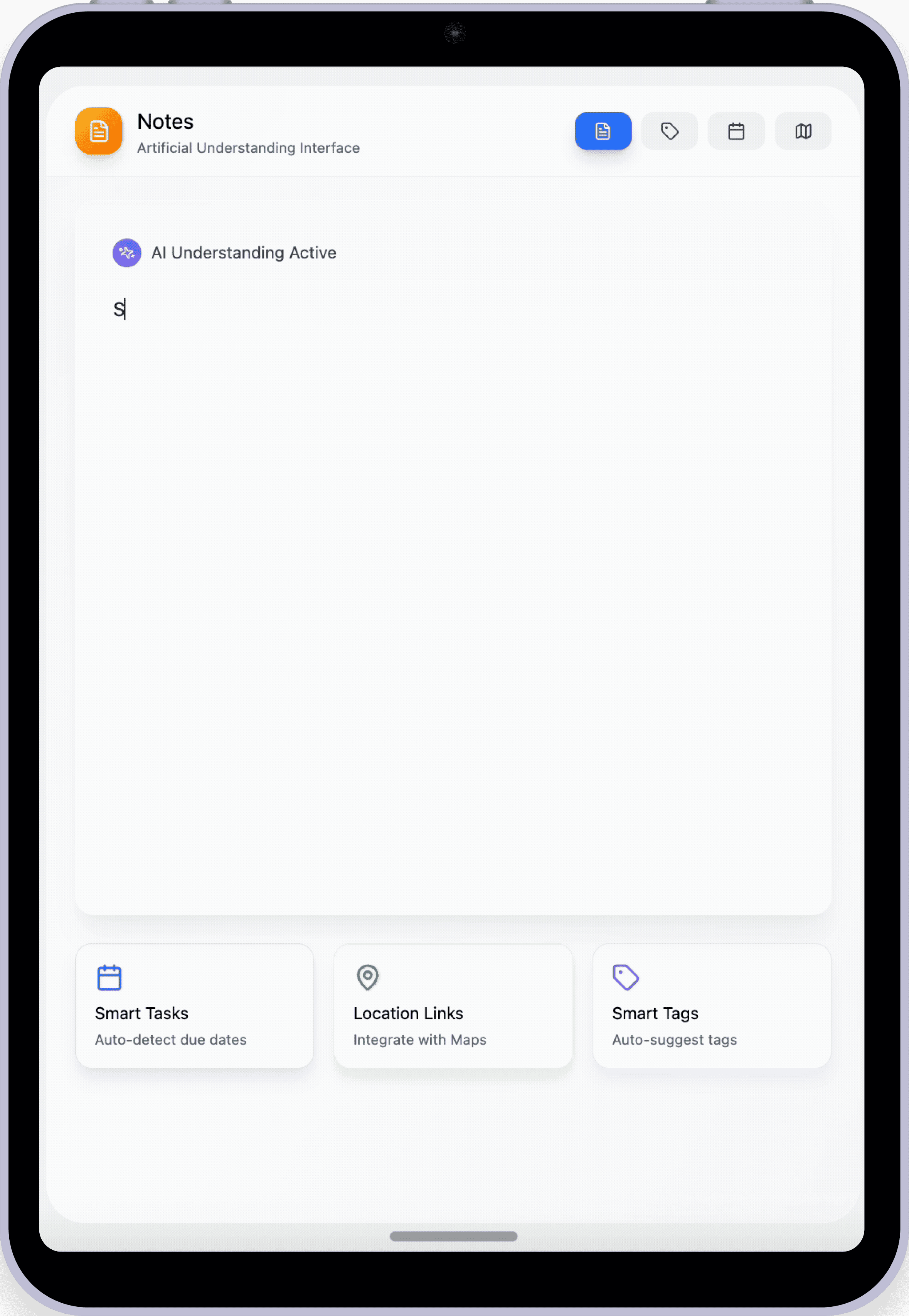
A context-aware notes interface that transforms Apple Notes into an intelligent assistant — helping users remember what matters, when it matters.
This adaptive system detects due dates, location mentions, and topical themes, then auto-generates calendar reminders, map links, and smart tags to keep everything in sync.
Instead of static lists or scattered thoughts, users now get proactive prompts, organization, and integration — turning everyday note-taking into meaningful action.
Project Goal
Design an adaptive note-taking experience powered by AI that surfaces intent, detects structure, and integrates context — turning unstructured input into actionable, personalized support across the Apple ecosystem.
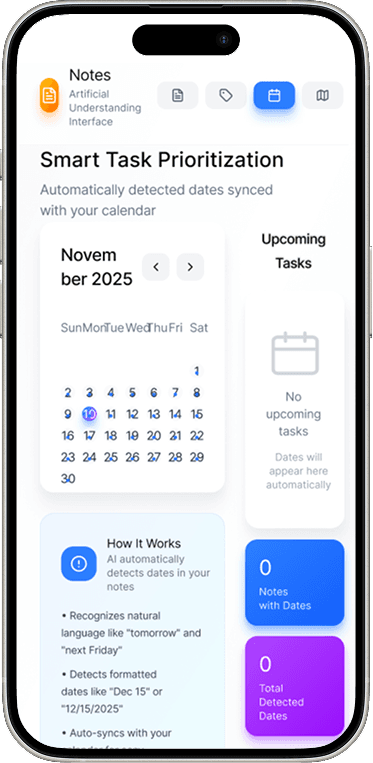
AUI 01 –Smart Task Prioritization
Turn notes into calendar reminders instantly.
AI detects natural date expressions like “next Tuesday” or “Dec 10” and auto-creates calendar events — helping you stay on top of deadlines without manual scheduling.
PAIN POINT 01.
Hard to Prioritize
Function_
Smart Task Prioritization
How smart AI works_
AI scans notes for natural language time cues (e.g., “next Tuesday”, “Dec 10”).
Then it structures dates,
automatically generating calendar events and due date reminders.
No more digging through notes to remember deadlines.
Your calendar updates itself.

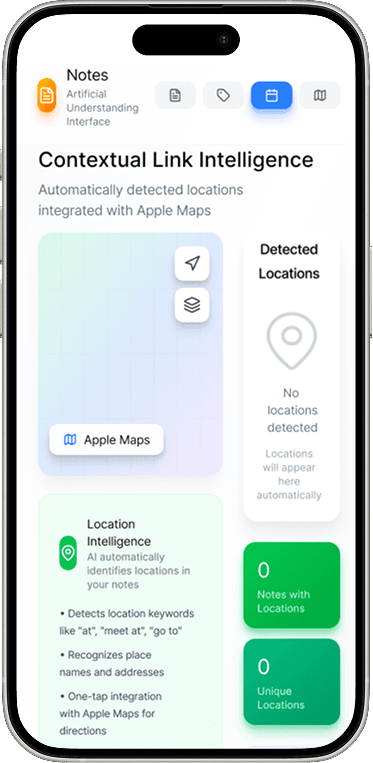
AUI 02 – Contextual Location Linking
Link locations in notes directly to Apple Maps.
When you write location-related phrases, the system intelligently identifies places and attaches Apple Maps links for easy navigation — no extra steps needed.

PAIN POINT 02.
Lack of Eco Sync
Function_
Contextual Location Linking
How smart AI works_
The system identifies location phrases (like “dinner at”, or venue names).
And it suggests a direct Apple Maps link or embedded route preview.
Spatial context gets activated without leaving your notes.
AI detects places and links them with Apple Maps automatically.
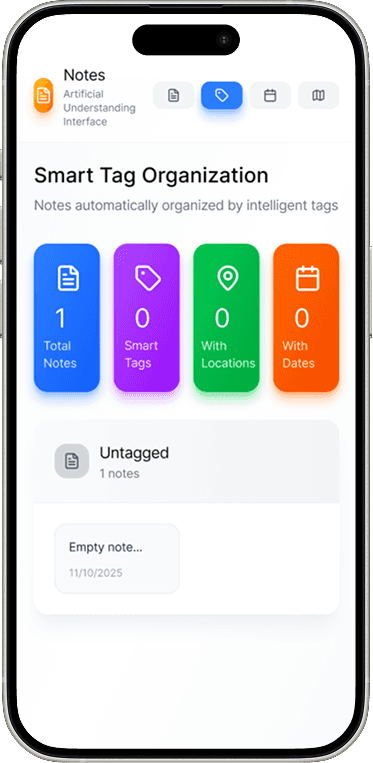
AUI 03 – Smart Tagging & Auto Organization
Let your notes organize themselves.
The AI assigns contextual tags like #Personal, #Meeting, or whatever you want to make as easily used tags and auto-sorts your notes — so you can always organize and find what matters, when it matters most.
PAIN POINT 03.
Hard to Organize
Function_
Automized Content Categorization
How smart AI works_
Notes are auto-tagged based on detected themes (e.g., #Personal, #Meeting, #Groceries).
System generates tag-based sorting and re-organizing prompts.
Organize effortlessly — and surface what matters, when it matters.
AI assigns tags, sorts your notes, and resurfaces what you forgot.